
Mobile Device Management
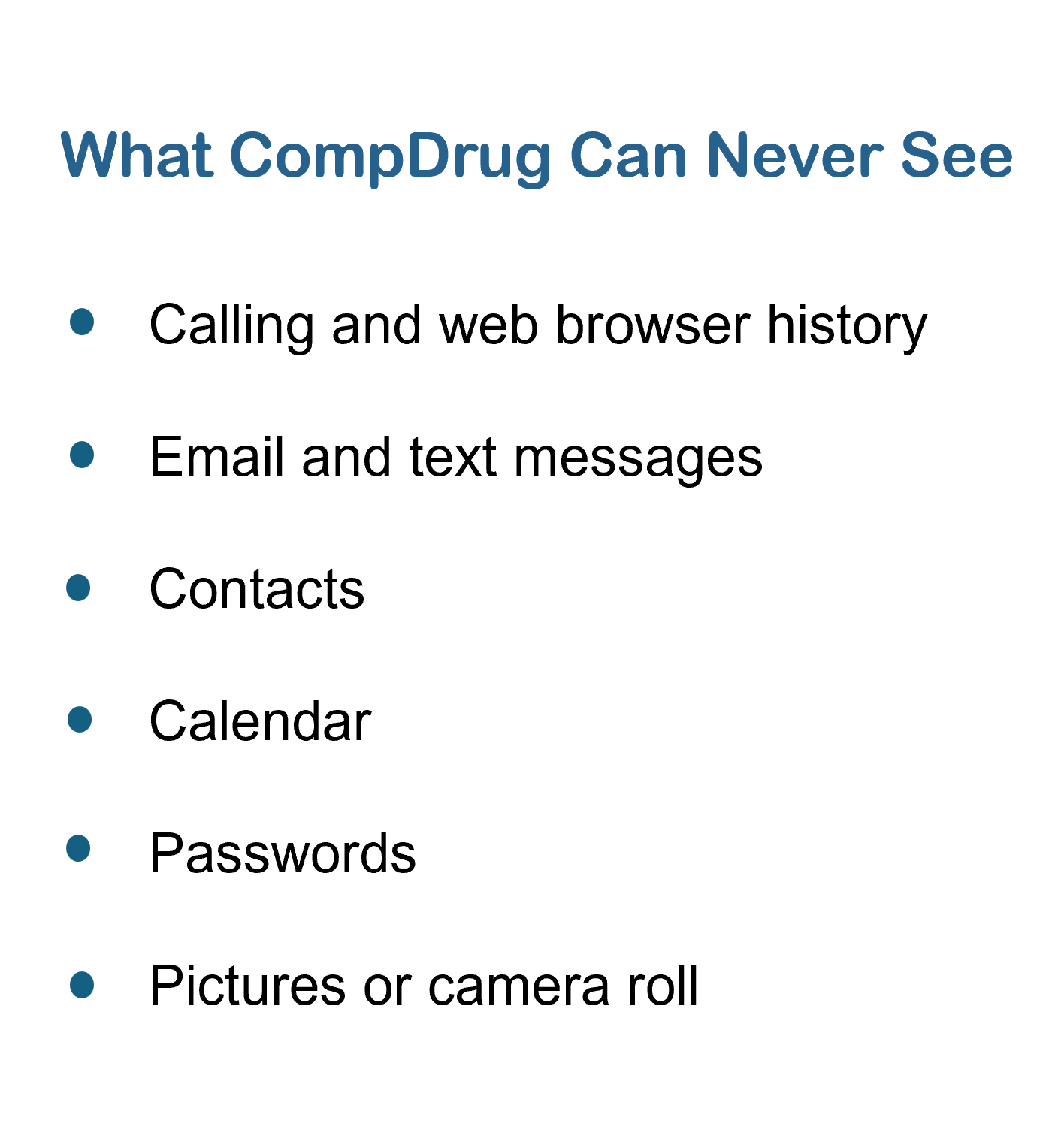
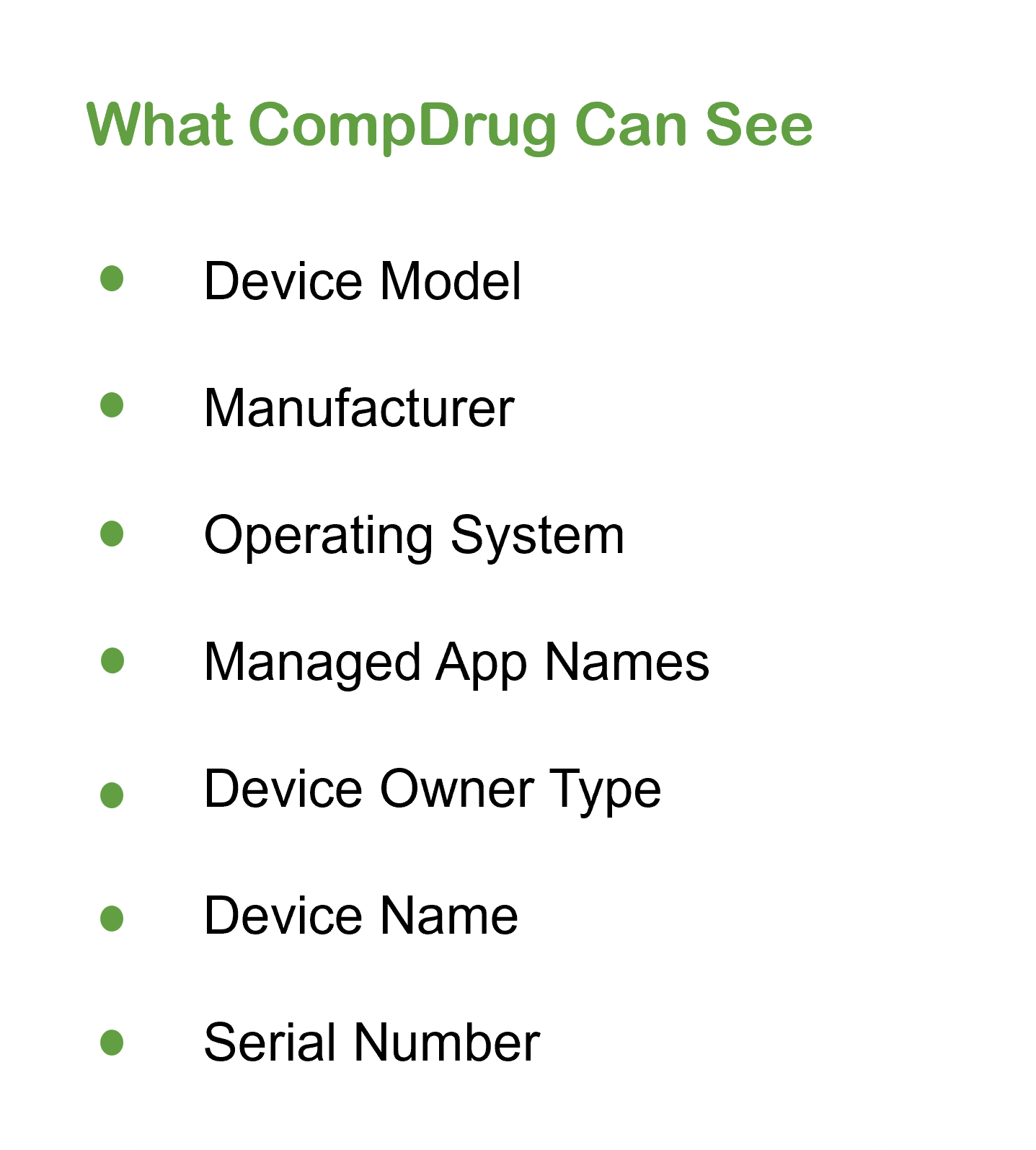
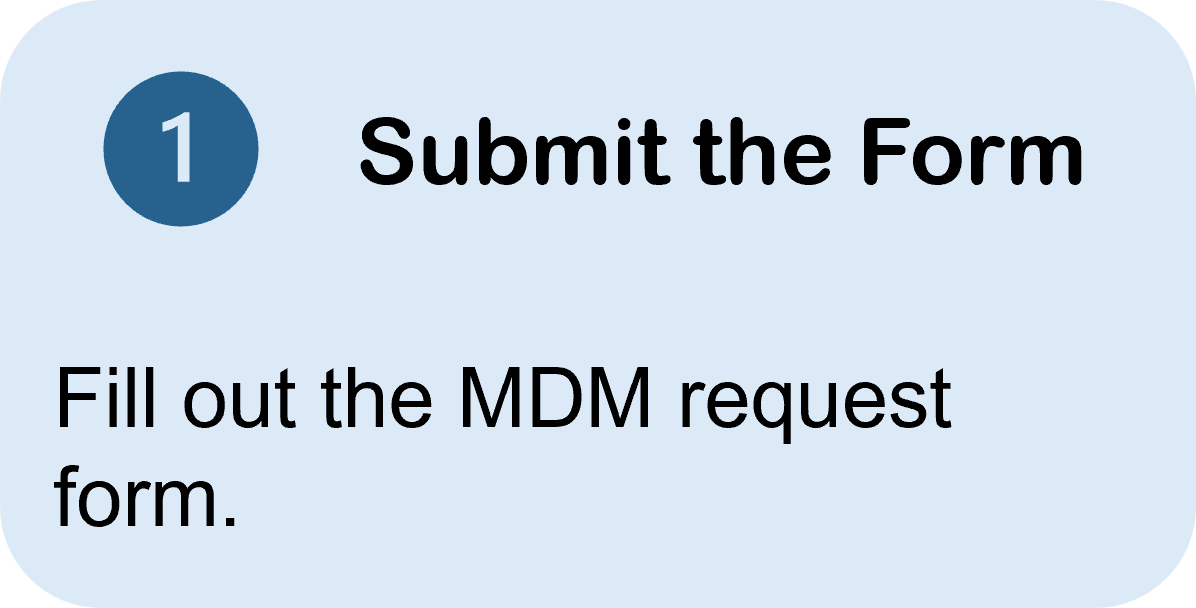
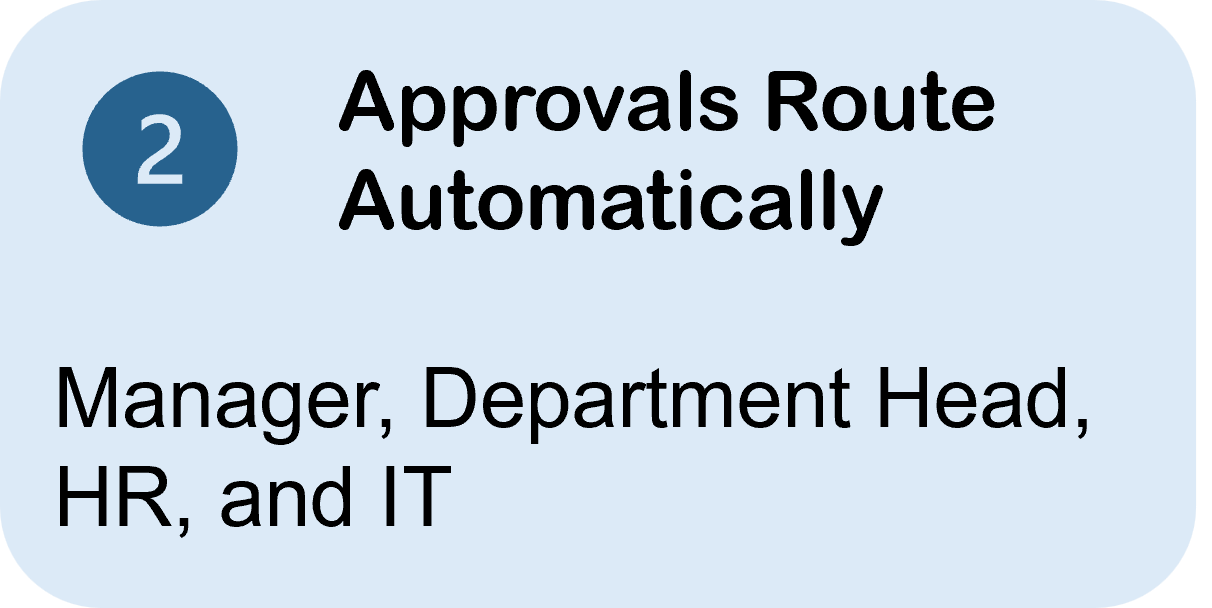
Use this page to understand what Intune Company Portal means for your device, what CompDrug can & cannot see, and how to request approval.



Policies & Resources
What Staff Want To Know
How Approval Works
Frequently Asked Questions
-
A security system that verifies a user’s identity by requiring multiple credentials. Rather than just asking a for username and password, MFA requires other - additional - credentials, such as a code from the user’s smartphone, the answer to a security question, a fingerprint, or facial recognition.
-
A security system that verifies a user’s identity by requiring multiple credentials. Rather than just asking a for username and password, MFA requires other - additional - credentials, such as a code from the user’s smartphone, the answer to a security question, a fingerprint, or facial recognition.
-
This is a rare occurrence and would only be necessary in the event someone’s employment was terminated and CompDrug’s IT dept is unable to determine what/if any CompDrug resources on that device.
Another reason CompDrug would perform a wipe on a device is if that device was missing or stolen. This is a preventative measure in case your phone ends up in the hands of someone else. Staff have occaisonally requested IT to do a full factory wipe of their device when lost.
A “selective wipe” is when just CompDrug accounts and files are removed from your device.
A “full factory wipe” is when all information is removed from your device and its reverted back to factory settings.
-
When you have MDM on your phone and you get a new phone, there are just a few things that need updated depending on the method you receive your notification.
App Notification:
If you sync your old and new phones, you will probably see Intune Company Portal already installed. Uninstall and reinstall Intune Company Portal.
Follow instructions found HERE.
Text Message:
If your number did not change, no action is needed.
-
When you have MDM on your phone and you get a new phone, there are just a few things that need updated depending on the method you receive your notification.
App Notification:
If your number did not change, no action is needed.
Text Message:
You will need to contact IT in order to re-register your account.
Once step 1 has been completed, follow instructions found HERE.